Mistakes are expected
Children are never singled out. The team looks at the plan, not the person.
For parents
Your child will think they spent the morning rescuing a lost puppy. What they were actually practising was planning, sequencing, observation, communication and problem-solving.
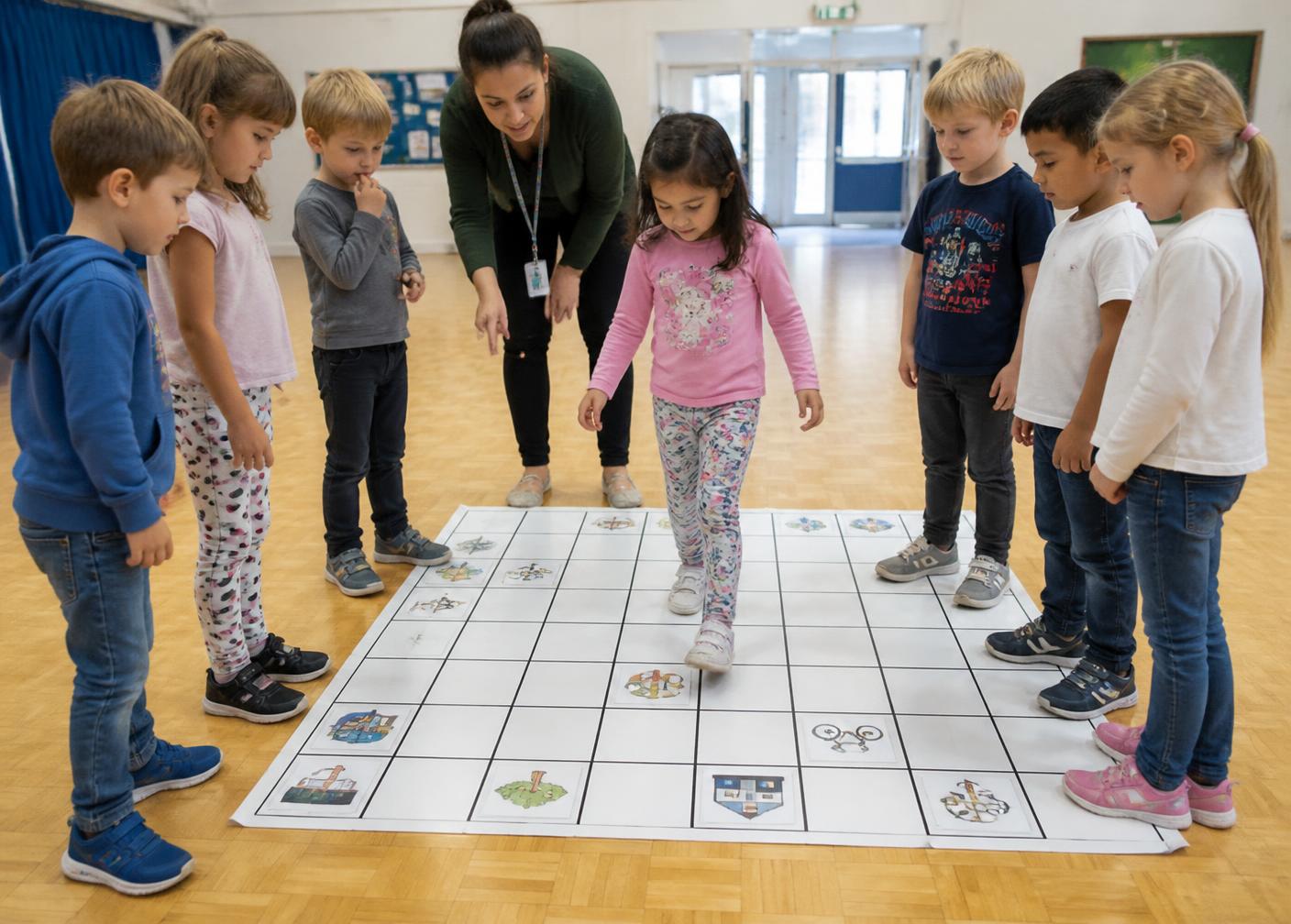
What children actually do
Why screen-free
Young children learn best through movement, physical materials and conversation. Because the code is made of cards, your child can hold it, change it and see immediately what happened.
No tablets, laptops, phones or monitors are used by children anywhere in the programme.
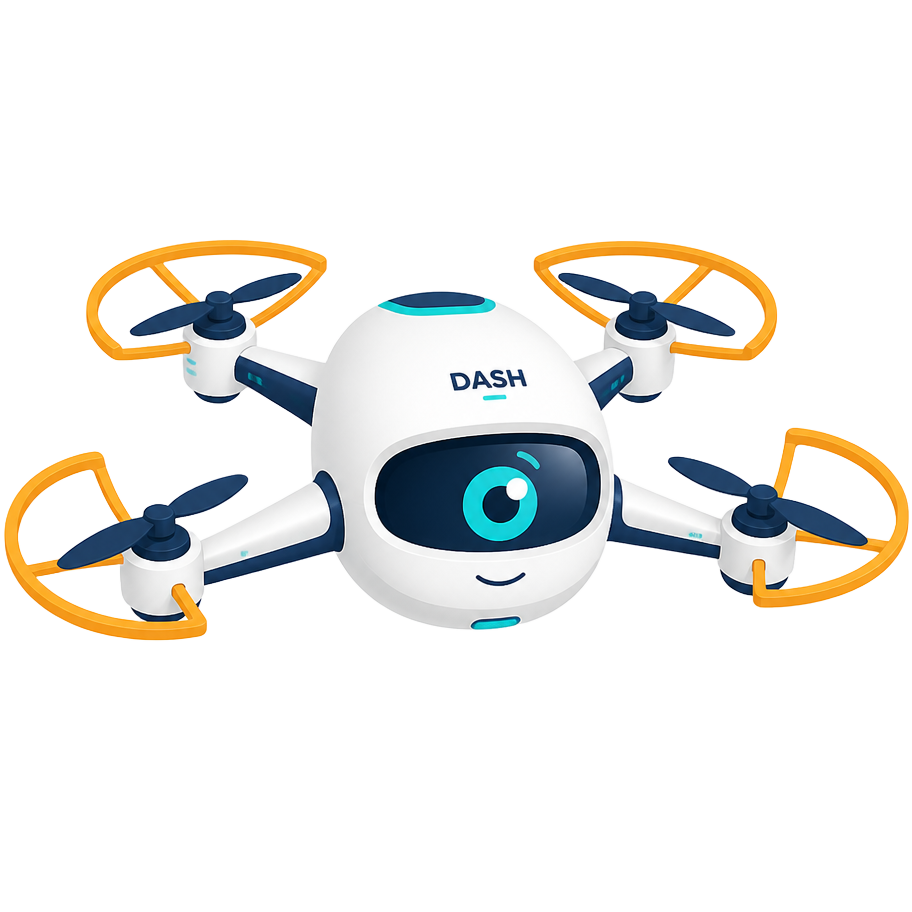
Meet Dash
Dash introduces every mission, asks the questions that get children thinking, and is always happy to try again.
How learning happens
Every mission is designed with the expectation that the first plan will need adjusting. That is where the thinking happens.
Children are never singled out. The team looks at the plan, not the person.
Teachers guide children through finding the step that caused the problem.
Trying again with a better plan is treated as the real achievement.
How drones support STEM learning
introduces science — air, lift, forces and movement.
introduce engineering — structure, balance and design.
introduce mathematics and spatial reasoning.
introduce computational thinking — sequence, logic and debugging.
introduce data — what machines notice and record.
introduce problem-solving with purpose.
introduce curiosity about what children could one day build.
Across the year
A simple overview of the twelve-month journey your child will travel.
Children meet drones, learn what they are used for and begin building safety awareness and shared vocabulary.
Hands-on exploration of air, lift, propellers and balance through simple experiments and observation.
Direction, position and control routines practised through movement games and guided demonstrations.
Physical command cards introduce sequencing and instructions with no devices involved.
Human-drone activities and floor-grid routes bring sequences to life, including first debugging conversations.
Grids, maps and markers support route planning, spatial reasoning and step counting.
Agriculture missions connect observation, patterns and planning to a real-world use of technology.
Search patterns, obstacles and no-fly zones develop teamwork and structured problem-solving.
Efficient routes, counting and sequencing applied to delivery scenarios and shared decision-making.
Building, testing and improving structures and frames — engineering thinking made visible.
Age-appropriate introduction to sensors, cameras, rules and how machines spot patterns.
An open design and mission challenge where children apply the full year of learning.
What your child practises
The programme supports and encourages these areas of development; it is not a guarantee of specific outcomes for any individual child.
Introduces sequencing, decomposition, pattern recognition and debugging through physical activity.
Provides opportunities to observe, predict and test ideas about air, movement and forces.
Encourages children to build, adjust and rebuild — and to notice why a change made a difference.
Supports understanding of direction, distance, position and orientation on grids and maps.
Introduces counting steps, comparing routes, measuring and simple estimation in context.
Provides structured opportunities to face a challenge, try an approach and adapt it.
Encourages children to explain their thinking, give clear instructions and listen carefully.
Supports turn-taking, shared responsibility and working towards a common mission goal.
Invites children to imagine new missions, new designs and new solutions to open challenges.
Encourages children to try, adjust and try again in a supportive, low-pressure setting.
Safety
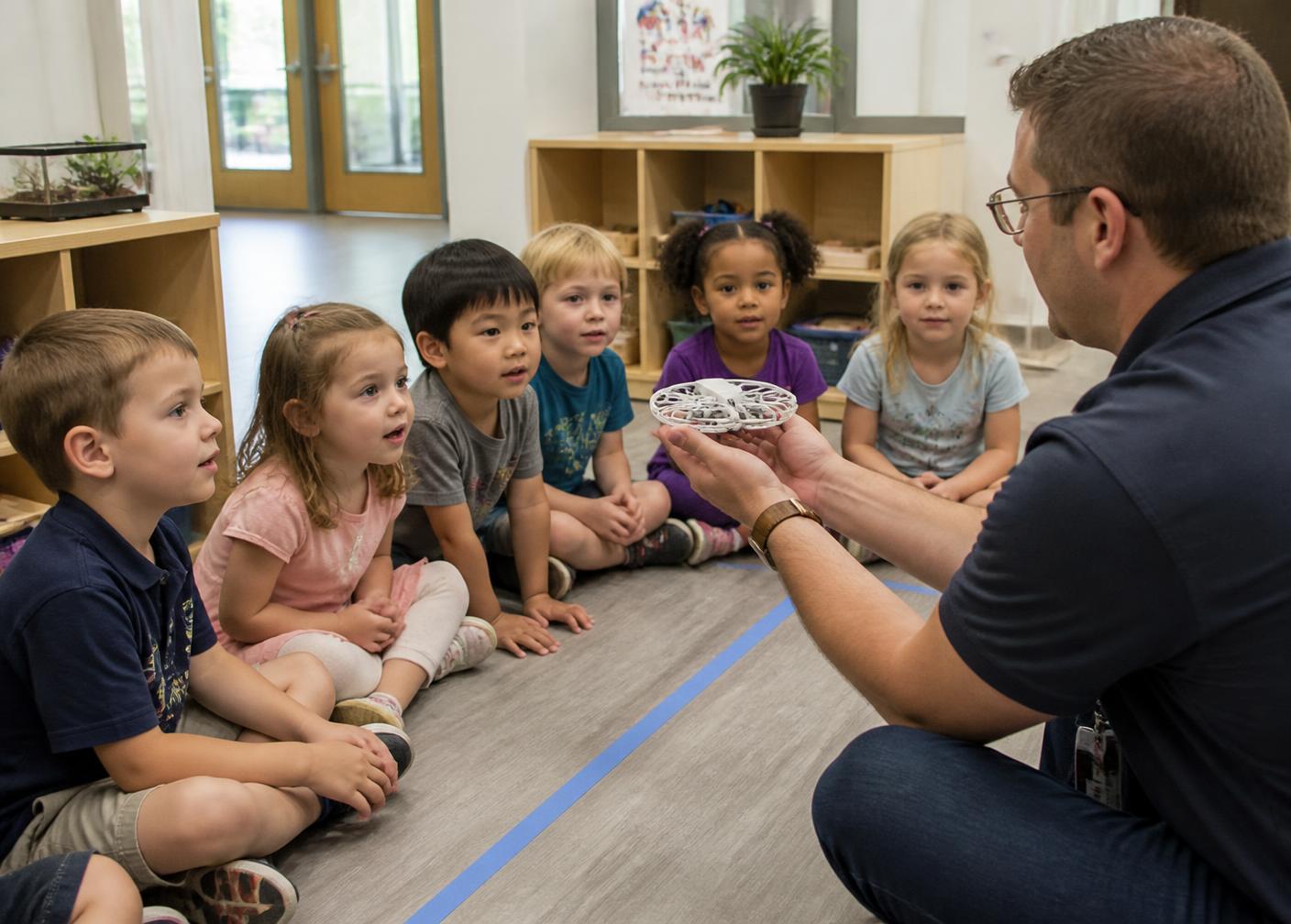
Every element of STEMWORKS is designed to support safe, controlled classroom delivery in a preschool environment.
Achievements
Progress is recognised through four achievement levels and gentle, developmentally appropriate observations.
Recognises drones, flight ideas and safety routines.
Plans, tests and corrects physical command sequences.
Applies thinking to real-world mission scenarios.
Explores design, sensors and innovation challenges.
STEMWORKS Junior Drone Engineer Certificate. Awarded at the close of the 12-month journey. Recognition focuses on participation, effort and development across the year rather than academic grading.
Questions
Honest answers about screens, safety and what your child will be doing.
The future will be built by curious minds.
Bring a year of hands-on, screen-free STEM discovery to your preschool.